There’s a payroll problem specific to trucking that doesn’t get talked about in HR software circles: the gap between what a driver’s ELD records and what actually feeds Workday.
Electronic logging devices capture drive time. They don’t capture pre-trip inspection time, detention time at a shipper dock, fueling stops, or the hour a driver spent waiting at a weigh station. All of that is compensable under FLSA. None of it shows up automatically in Workday unless someone manually adds it — and in a fleet of 150 drivers, that someone is drowning.
That’s before you get to the yard employees, dispatchers, and dock workers whose time tracking is a completely separate problem sitting in the same payroll system.
The Three Places Logistics Payroll Breaks Down
Drive time vs. on-duty non-driving time. DOT hours-of-service rules distinguish between these two categories for compliance purposes. FLSA treats both as compensable work time. Your time clock needs to capture the distinction — not so you can pay one and ignore the other, but so your DOT compliance records and your payroll records tell the same story. When they don’t match, you have an audit problem on two fronts simultaneously.
Terminal clock-ins without infrastructure. A regional trucking company might have a main terminal with IT support and six satellite yards with a parking lot, a scale, and a guard shack. Drivers starting or ending shifts at those satellite locations need a way to punch in that doesn’t require a kiosk installation, a network connection, or an IT ticket every time something needs updating. Most time clock solutions have no answer for this.
Multi-state pay rule complexity. A driver running a regular lane from Tennessee to California and back crosses state payroll jurisdictions every trip. Some states have their own overtime thresholds, meal break requirements, and wage payment timing rules for terminated employees. When that driver’s hours feed Workday without jurisdiction-aware pay rules attached, payroll applies the wrong state’s logic — or defaults to federal minimums and creates liability in the states that exceed them.
What a Configurable Time Clock Solves for Fleet Operations
CloudApper AI TimeClock handles the logistics-specific version of this through configurable punch logic, geofencing, offline capability, and pre-built Workday integration — all built on the CloudApper AI Platform.
Activity-based punch classification. Instead of a single clock-in, drivers select their activity type at the punch — pre-trip inspection, drive time, on-duty non-driving, off-duty, sleeper berth. Each selection maps to the right pay code and HOS category in Workday. The ELD record and the payroll record speak the same language because they’re drawing from the same source classifications.
Geofenced terminal and yard check-ins. Every terminal and satellite yard is defined as a geofenced location. Drivers punch in from a tablet mounted in the guard shack or dispatch office — or from their own device within the defined perimeter. Location is verified at every punch. No ghost check-ins from a truck stop 40 miles away, no disputed start times when a driver claims they were on the clock before they physically arrived.
Offline punch capture for remote yards. A satellite yard with spotty connectivity isn’t a problem. Punches store locally on the device and sync to Workday the moment a connection is available. A driver starting a shift at 4 AM at a rural transfer point doesn’t generate a missing punch for payroll to chase — the record is there, it just synced at 7 AM when the terminal came online.
Detention time and wait time capture. When a driver is held at a shipper or receiver dock beyond a defined threshold, the system flags the detention event and prompts the driver to log the wait time separately from drive time. That data flows to Workday with the right pay code — and gives your operations team visibility into which shippers are costing you the most in detention pay.
Jurisdiction-aware pay rules per route or home terminal. Drivers domiciled at your California terminal run California overtime logic. Drivers on multi-state lanes get rules applied based on their home domicile or the state where work was performed, depending on how your legal team has structured compliance. Each configuration lives in CloudApper and applies automatically — not in a manual spreadsheet someone updates when they remember to.
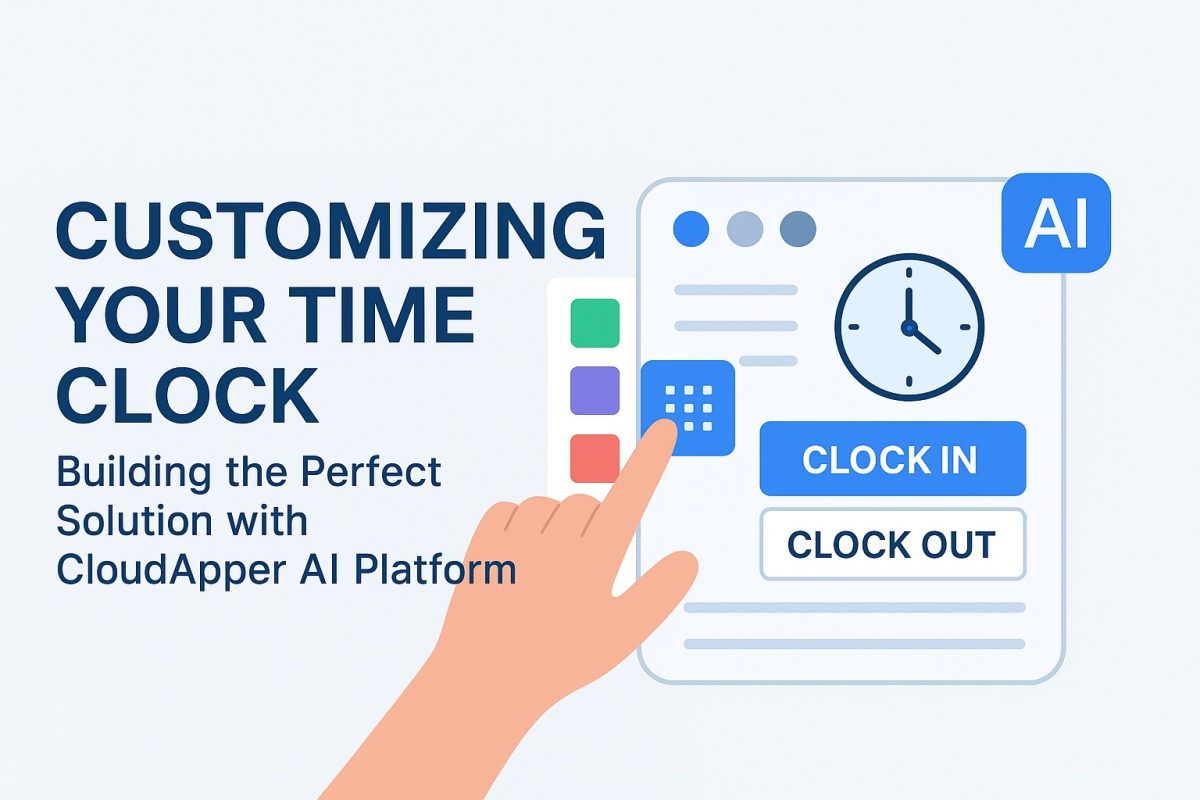
The same drag-and-drop, no-code configuration platform behind all of this is covered in the CloudApper AI TimeClock customization overview. Logistics just applies it to HOS categories and detention tracking instead of job costing or clinical credentials.
The Yard and Dock Workforce Problem
Driver pay is the loudest issue in logistics payroll, but it’s not the only one. Yard spotters, dock loaders, lumpers, and warehouse staff working the same facility often live in the same Workday instance as drivers — and have completely different time tracking requirements.
Dock workers punch in and out on a fixed schedule. Yard spotters move between areas with different pay rates depending on equipment operated. Lumpers may be third-party contractors whose hours you’re documenting for billing rather than payroll. A single configurable time clock handles all of these differently based on role — without requiring a separate system for each workforce category.
That matters operationally because it means one tablet in the dispatch office handles driver pre-trip check-ins, dock worker punches, and yard spotter job transfers — feeding Workday with correctly classified data for each.
The Hardware Reality at a Trucking Terminal
Trucking terminals are not office environments. A time clock that requires climate control, a stable network connection, and a quarterly maintenance visit from a vendor isn’t going to survive a busy yard.
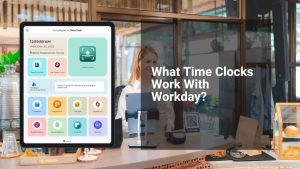
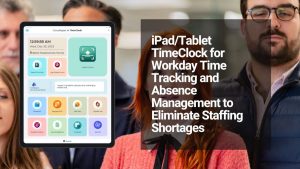
CloudApper runs on any standard Android or iOS tablet. A rugged case brings the total hardware investment to a few hundred dollars per location. Facial recognition handles identity verification — no badges to lose in a cab, no PINs shared between drivers who rotate the same equipment. Offline mode means a network outage at 3 AM during a shift change doesn’t create a data gap.
For a carrier with a main terminal and five satellite yards, that’s six punch stations for the cost of what proprietary kiosks charge for one.
Configuring This for a Workday Logistics Environment
The setup follows the structure of how logistics payroll already works:
- Define your activity types. Pre-trip, drive time, on-duty non-driving, detention, off-duty — map these to the HOS categories your safety department already tracks and the pay codes already in Workday. CloudApper surfaces them as selectable options at every punch.
- Map your terminal and yard locations. Each location gets a geofenced boundary and its own punch rules. Satellite yards get offline-first configuration so connectivity gaps don’t create data gaps.
- Configure jurisdiction rules per domicile. Drivers based at each terminal get the right state overtime and wage payment rules applied automatically. Multi-state route logic gets configured based on your legal team’s guidance on nexus and domicile.
- Set detention time thresholds. Define when a wait at a shipper crosses into billable detention. The system flags it, the driver logs it, and the data lands in Workday with the right code — and in your operations reports with the right shipper attribution.
- Connect to Workday via pre-built integration. Activity classifications, location data, detention flags, and jurisdiction codes all sync in real time. DOT audit prep and payroll close pull from the same clean source data.
- Pilot at your busiest terminal. One pay period of activity-classified punch data will show you exactly how many manual corrections you were generating before — and how few you need after.
Logistics payroll doesn’t get simpler as your fleet grows. Every new terminal, every new lane, every new state adds compliance surface area. A time clock that treats every punch the same regardless of activity, location, or jurisdiction isn’t keeping up — it’s creating liability that compounds quietly until an audit or a wage claim makes it visible.
One that captures what drivers are actually doing, where they’re doing it, and routes that data correctly into Workday is what makes fleet payroll manageable at scale.
See how CloudApper AI TimeClock handles logistics and transportation workforce management →